How to use the square metre calculator
- Pick the shape: rectangle, square, circle, triangle, an L-shape, or several rectangles added together.
- Type in the measurements. Each box has its own unit, so you can use metres, centimetres, millimetres, feet, inches or yards.
- For an L-shape or an awkward room, split it into rectangles. The calculator adds the parts up for you.
- Set the extra for waste if you are buying flooring or tiles. It starts at 10%. Set it to 0 to see the plain area.
- Add a price per m² if you want a cost. Tap Add to shopping list or Share link to keep the result.
Why use this calculator
It does the awkward shapes. Many area tools only multiply length by width. This one also does circles and triangles, and adds up several rectangles for L-shaped rooms, hallways and alcoves.
It gives the answer in the units people ask for. Square metres come first, with square feet and square yards underneath. Large areas also show hectares and acres. You can type your measurements in any mix of units, for example a room in feet and a wall in metres.
It is made for buying things. The waste allowance and the price per m² turn an area into the amount to order and what it will cost. You also get the perimeter for skirting, edging or fencing. It shows every step under How we worked it out.
How we worked it out
Your numbers, step by step. This updates as you change the calculator.
- Area = length × width = 5 m × 3 m = 15 m²
- Perimeter = 2 × (length + width) = 16 m
- Square feet = 15 m² ÷ 0.0929 = 161.46 ft²
- Square yards = 15 m² ÷ 0.8361 = 17.94 yd²
- Add 10% for waste: 15 m² × 1.1 = 16.5 m²
The formula
All the sums are in metres, and the answer is in square metres (m²).
- Rectangle: length × width. A 5 m by 3 m room is 15 m².
- Square: side × side.
- Circle: π × radius × radius, where the radius is half the diameter (all the way across). A circle 3 m across is 3.1416 × 1.5 × 1.5 = 7.07 m².
- Triangle: base × height ÷ 2. Use the height straight up from the base. A triangle with a 4 m base and 3 m height is 6 m².
- L-shape or several rectangles: work out each rectangle and add them.
- Perimeter: 2 × (length + width) for a rectangle. For a circle it is π × diameter.
- With waste: area × (1 + waste ÷ 100). Cost: that area × the price per m².
Square metres and square feet
- 1 m² = 10.764 ft²
- 1 ft² = 0.0929 m²
- 1 m² = 1.196 yd²
- 1 yd² = 0.8361 m²
- 1 hectare = 10,000 m²
- 1 acre = 4,047 m²
These come from the exact definitions 1 ft = 0.3048 m and 1 yd = 0.9144 m. The calculator uses the full figures, not these rounded ones.
Measuring an awkward room
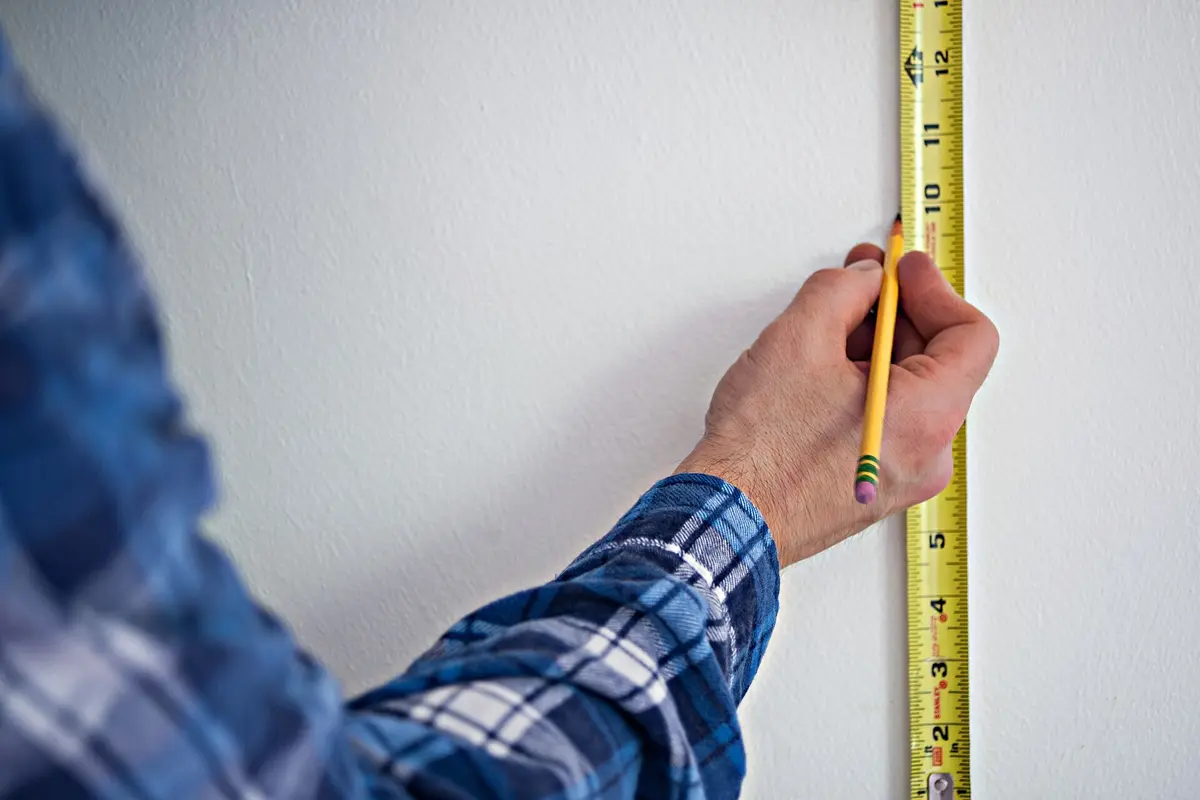
- Sketch the floor plan on paper. Mark each wall’s length.
- Draw lines to split it into rectangles. An L-shaped room is two. A room with a bay or alcove is one main rectangle plus the extra.
- Measure each rectangle, and write the length and width beside it.
- Type them in as Several rectangles, or use L-shape for two.
- Keep the parts from overlapping, or you will count the same floor twice.
For a hallway, or any area where one end is narrower than the other, split it where the width changes. If the room has a fireplace or a fitted unit sticking out, you can work it out as a separate rectangle and take it off the total.
Where you will use square metres
- Flooring: laminate, carpet, vinyl and tiles are all sold by the m². Add the waste, then go to the laminate, carpet or tile calculator for packs, rolls and boxes.
- Turf and grass: work out the lawn in m², splitting a curved bed into a circle or triangle if it helps. The turf calculator turns it into rolls.
- Paint and wallpaper: a wall is its width × height. The paint calculator does the sum for a whole room and takes off the doors and windows.
What we assume
- The waste allowance starts at 10%. You can set it to anything from 0% to 50%.
- Hectares and acres only show for areas of 1,000 m² or more.
- The triangle has no perimeter, because that needs all three sides.
- The cost uses the area with waste added, if you have a waste figure above 0%.
Tips
- Measure each side twice, in the same units. Mixing metres and feet by mistake is the most common reason for a wrong answer.
- For a room that is not a rectangle, split it into rectangles that do not overlap, work each one out, then add them. Pick L-shape or Several rectangles and the calculator does the adding.
- For walls, treat the wall as a rectangle: width × height. To take off a door or window, work out its area and subtract it from the total yourself.
- Want to go from m² to a length of something that has a width, like a roll or a strip? Divide the area by the width in metres to get the length in metres.
- Once you have the area, go to the right calculator: laminate flooring, carpet, tiles, paint or turf.
 Cubic metre calculator
 Laminate flooring calculator
 Carpet calculator
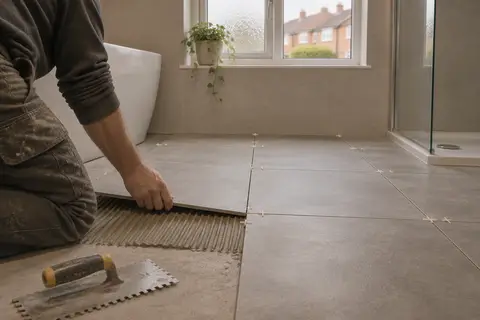 Tile calculator
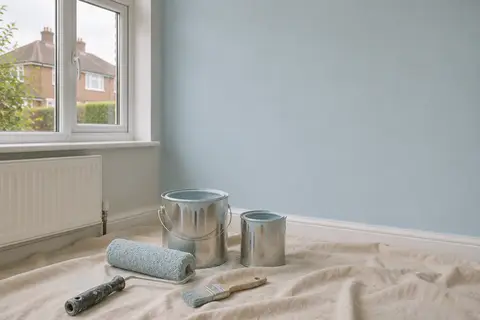 Paint calculator
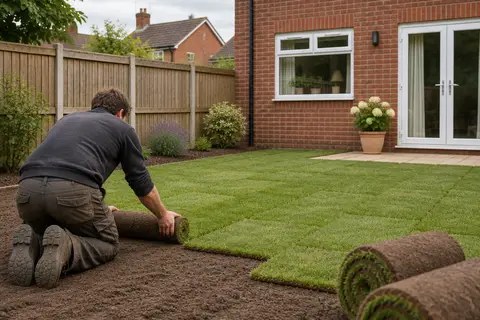 Turf calculator
